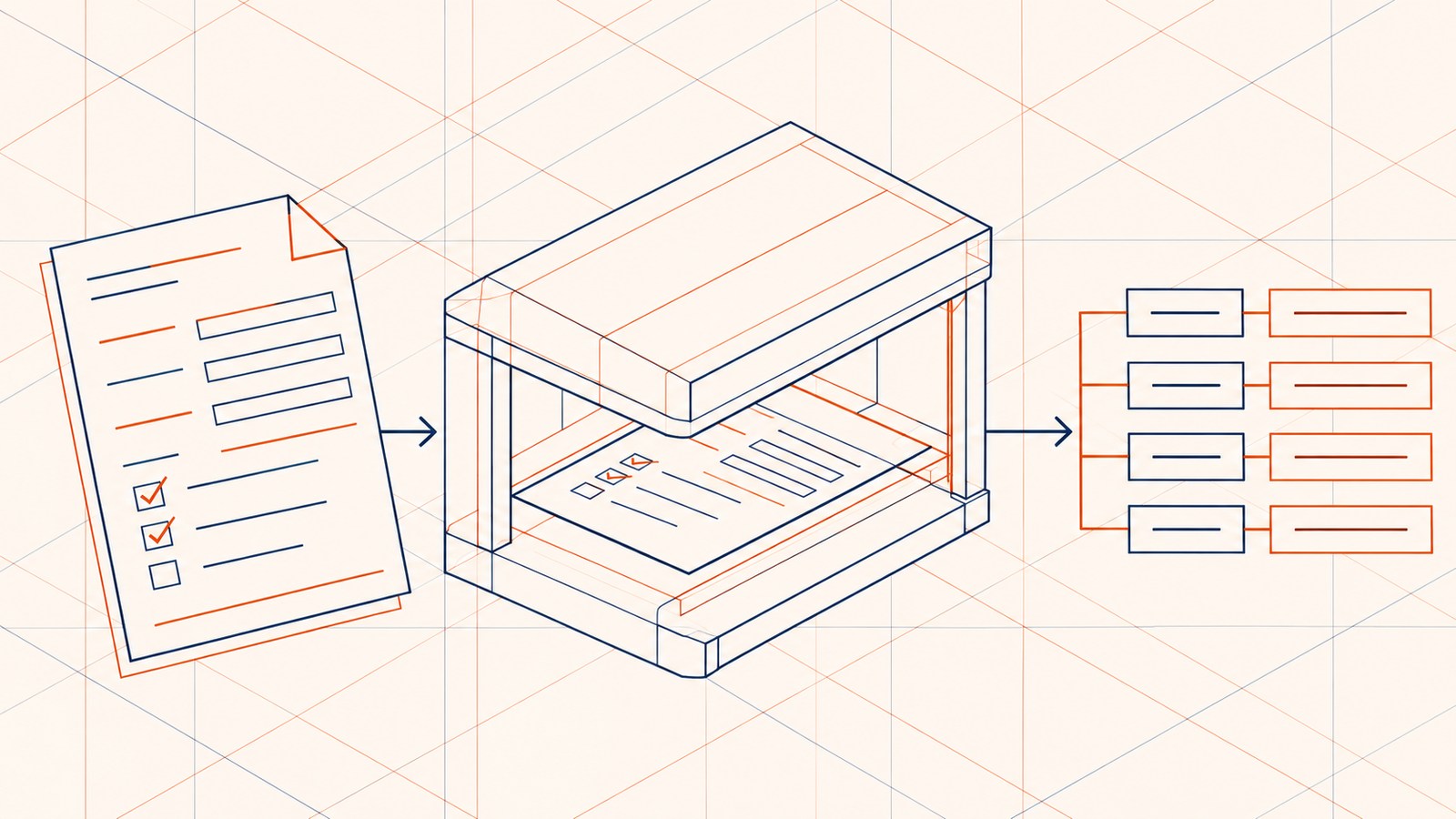
When a scanned form needs to become structured data, a list of recognized words leaves you with another problem: which value belongs to which label? Amazon Textract’s form analysis includes relationships between key and value blocks so code can reconstruct the pairs.
Start with a short synthetic form
Use AWS CLI v2, Python 3, and a sandbox S3 bucket in the same Region as Textract. The caller needs access to read the document and call textract:AnalyzeDocument. Make a one-page PNG with clear labels such as Asset ID: DEMO-104 and Department: Operations, using fictional data. Save it as sample-form.png.
Analyze the S3 object as a form
AWS_REGION=us-east-1
BUCKET=replace-with-your-sandbox-bucket
KEY="textract-lab/$(date +%s)-sample-form.png"

aws s3 cp sample-form.png "s3://$BUCKET/$KEY" --region "$AWS_REGION"

aws textract analyze-document \
  --region "$AWS_REGION" \
  --document "S3Object={Bucket=$BUCKET,Name=$KEY}" \
  --feature-types FORMS \
  --output json > blocks.json
Use the S3 object as input when invoking this operation from the AWS CLI. Start with a clear single-page image. For multi-page workflows, review the asynchronous document analysis APIs and their limits separately.
Follow the relationships to reconstruct each field
Index returned blocks by ID. A key block points to its value block with a VALUE relationship. Key and value blocks point to their respective word blocks with CHILD relationships. This parser keeps duplicate labels as separate records and captures a checkbox state when present.
import json
from pathlib import Path

document = json.loads(Path("blocks.json").read_text())
blocks = {block["Id"]: block for block in document["Blocks"]}


def neighbors(block, relationship_type):
    return [
        blocks[child_id]
        for link in block.get("Relationships", [])
        if link["Type"] == relationship_type
        for child_id in link["Ids"]
        if child_id in blocks
    ]


def block_text(block):
    parts = []
    for child in neighbors(block, "CHILD"):
        if child["BlockType"] == "WORD":
            parts.append(child["Text"])
        elif child["BlockType"] == "SELECTION_ELEMENT":
            parts.append(child["SelectionStatus"].lower())
    return " ".join(parts)


fields = []
for block in blocks.values():
    if block["BlockType"] != "KEY_VALUE_SET" or "KEY" not in block.get("EntityTypes", []):
        continue
    fields.append({
        "label": block_text(block).rstrip(":").strip(),
        "values": [block_text(value) for value in neighbors(block, "VALUE")],
        "confidence": block.get("Confidence"),
    })

print(json.dumps(fields, indent=2))
Verify the output against the original form
Save the parser as extract_fields.py and run python3 extract_fields.py. Check the asset ID and department values against the image, including punctuation and capitalization as appropriate. Test a skewed or low-contrast copy and decide which fields should go to human review. Treat the returned confidence as a signal and validate critical field values before using them downstream.
Clean up the test data
Textract document analysis and S3 requests can incur charges. Remove the uploaded lab object and delete local results according to your environment’s data-handling rules. If the lab bucket is versioned, a simple delete may leave an object version, so remove the lab version if appropriate.
aws s3 rm "s3://$BUCKET/$KEY" --region "$AWS_REGION"





Leave a Reply